
Remote Support
Start a secure screen-sharing session with Splashtop SOS. Only do this when you are speaking with Docs4Macs.
Download
Go to sos.splashtop.com and download the app for your Mac.
Open it
Open the downloaded app. If macOS asks for permissions such as Screen Recording or Accessibility, your tech will guide you.
Read the code
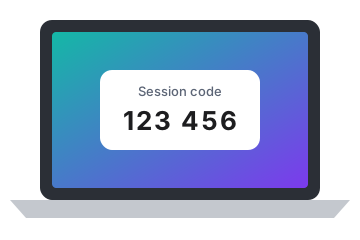
The app shows a session code. Read it to your tech, who will then connect.
Never share a session code with anyone you did not contact yourself. You can end the session at any time by closing the app.